This page documents AI Studio, our development environment for notebooks, jobs and deployments. Saturn Cloud also offers dedicated inference endpoints built with NVIDIA DSX. Talk to us about dedicated GPU capacity.
API Tokens in Saturn Cloud
Saturn Cloud relies on API tokens to grant programmatic access to Saturn Cloud.
Scoped tokens vs Un-scoped tokens
Saturn Cloud tokens can be scoped or un-scoped. Scoped tokens grant access to specific resources. Unscoped tokens can perform any action as the user or group that generated them.
User Tokens vs Resource Tokens
Saturn Cloud has 2 types of tokens. User tokens are generaly intended to be used when you are connecting to Saturn Cloud from an external source. Resource tokens are automatically embedded into Saturn Cloud resources under the environment variable “SATURN_TOKEN”. To create user tokens
User Tokens
- Access the settings page by clicking on your username in the sidebar, then select “User Profile”. Under the section “Access Keys” click on “New Token”
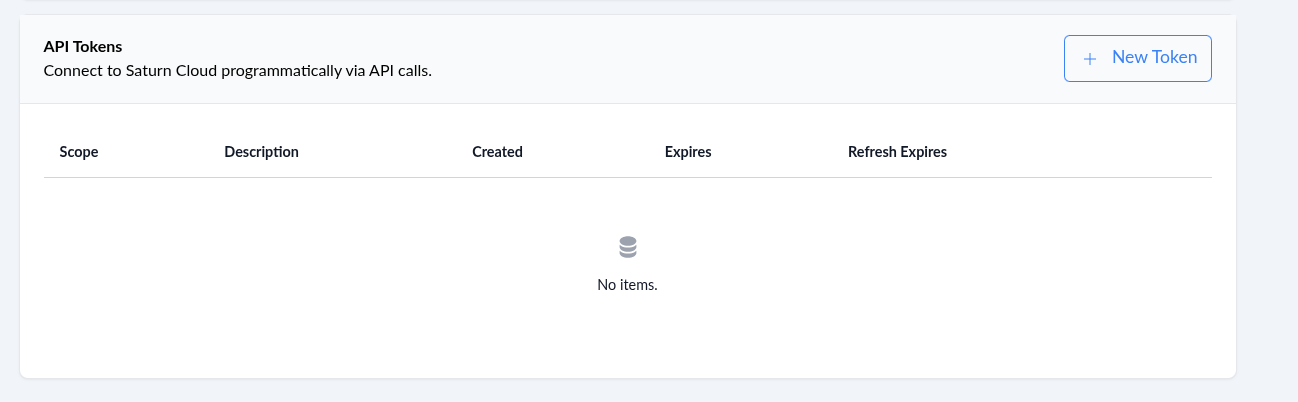
- Make sure you copy the token value. Once the token is generated, you cannot retrieve this value.
Resource Tokens
Resource tokens are automatically generated and embedded under the SATURN_TOKEN environment variable in your workspace. If you click on the “Manage” tab of your workspace, you can modify your token and change the scope, for example.
Using tokens
Tokens are passed in an HTTP header.
Calling a deployment. Send the token in the X-Saturn-Authorization header with a value of token {TOKEN}. Saturn Cloud removes this header before the request reaches the deployment, and leaves Authorization for the deployment’s own use (see Accessing a Deployment). The following Python code calls a deployment:
import requests
import os

url = "https://hellosaturn-deploy.community.saturnenterprise.io"
TOKEN = # your token
response = requests.get(
    url,
    headers={"X-Saturn-Authorization": f"token {TOKEN}"}
)
Authorization: token {TOKEN} also still works for calling a deployment when the request has no X-Saturn-Authorization header and no Saturn Cloud sign-in cookie. X-Saturn-Authorization is available from Saturn Cloud release 2026.08.01.
Calling the Saturn Cloud API (URLs under /api/ on your Saturn Cloud address). Send the token in the Authorization header with a value of token {TOKEN}.