Do you use the Julia programming language?
By design, Saturn Cloud can run any programming language, but until recently, the platform was primarily Python focused. We recently introduced R support and now we’ve added support for Julia.
With our new Julia images and resource templates you can use Julia in the cloud in seconds!
Use Julia on Saturn Cloud
Simply click on the Julia CPU or GPU template resource to get started. This will create a Saturn Cloud resource with all the required software to run Julia code. With these resources you can either use Julia through the JupyterLab IDE, or use other IDEs like VSCode through SSH Connections.
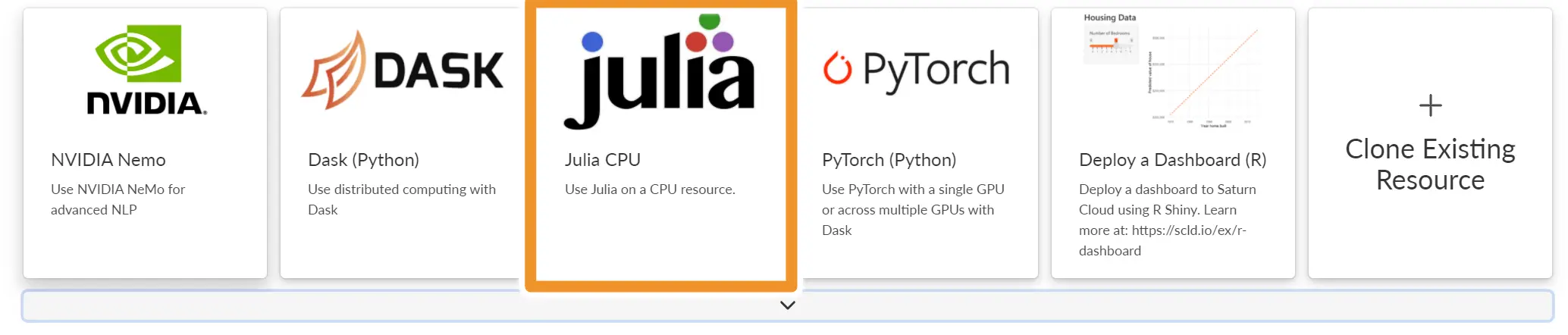
If you want to create your own resource from scratch instead of using our pre-built templates, click New Jupyter Server and then select the saturn-julia image with a CPU resource or the saturn-julia-gpu image with a GPU resource.
Installing Extra Packages
To install extra packages at resource startup, click on Advanced Options and add the following to your start script section with the appropriate package names. As always, you can add Julia packages manually in your session by using the Julia console.
julia -e 'import Pkg;
Pkg.add([
"Package1",
"Package2"
])'
Once you create a resource, you can interact with the Julia kernel in Jupyter Lab just like you would with a Python kernel.
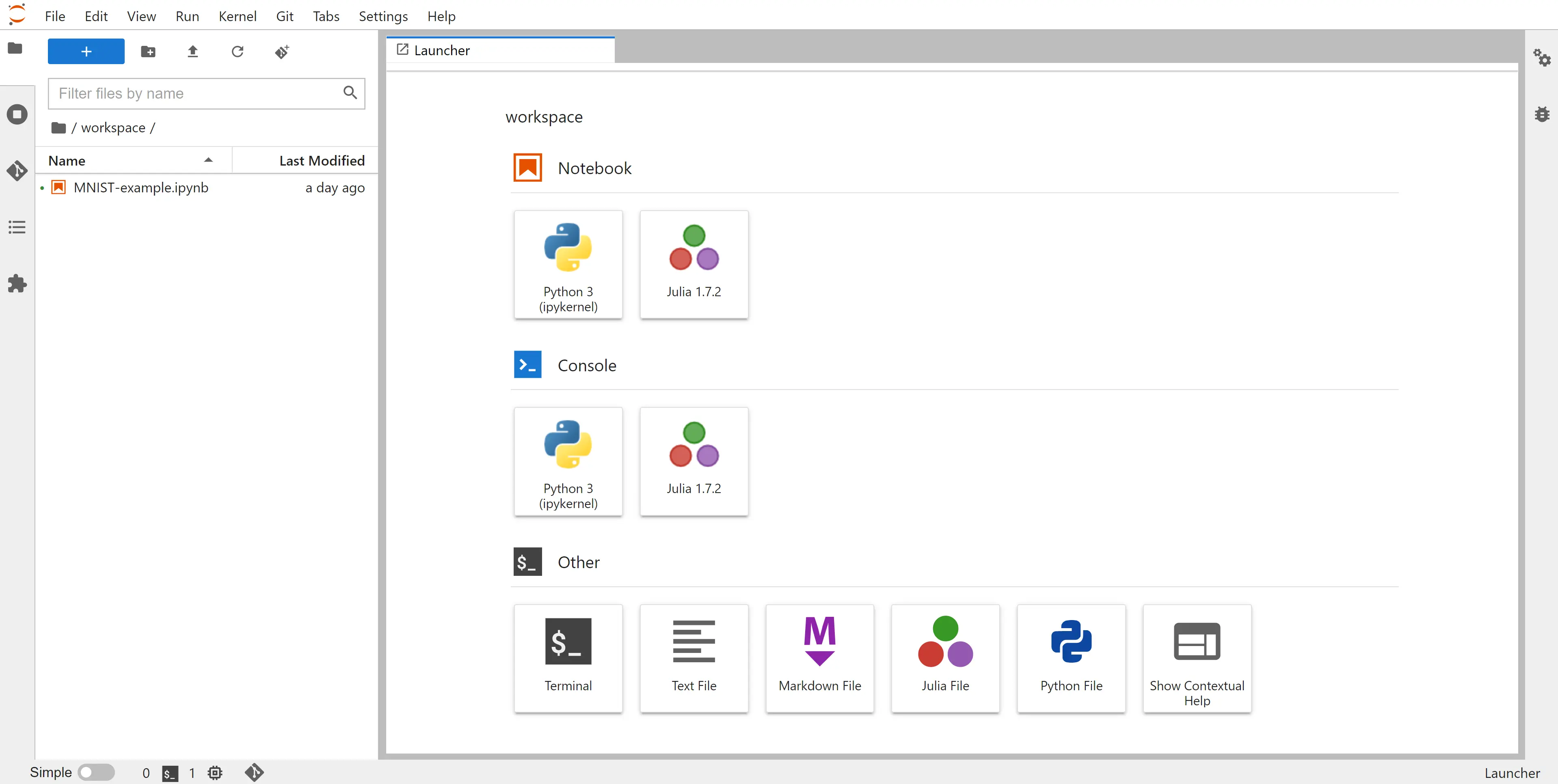
Try Julia on Saturn Cloud for yourself using the button below. An example will open on our free Saturn Cloud Hosted platform, so you can get started in just a few clicks!