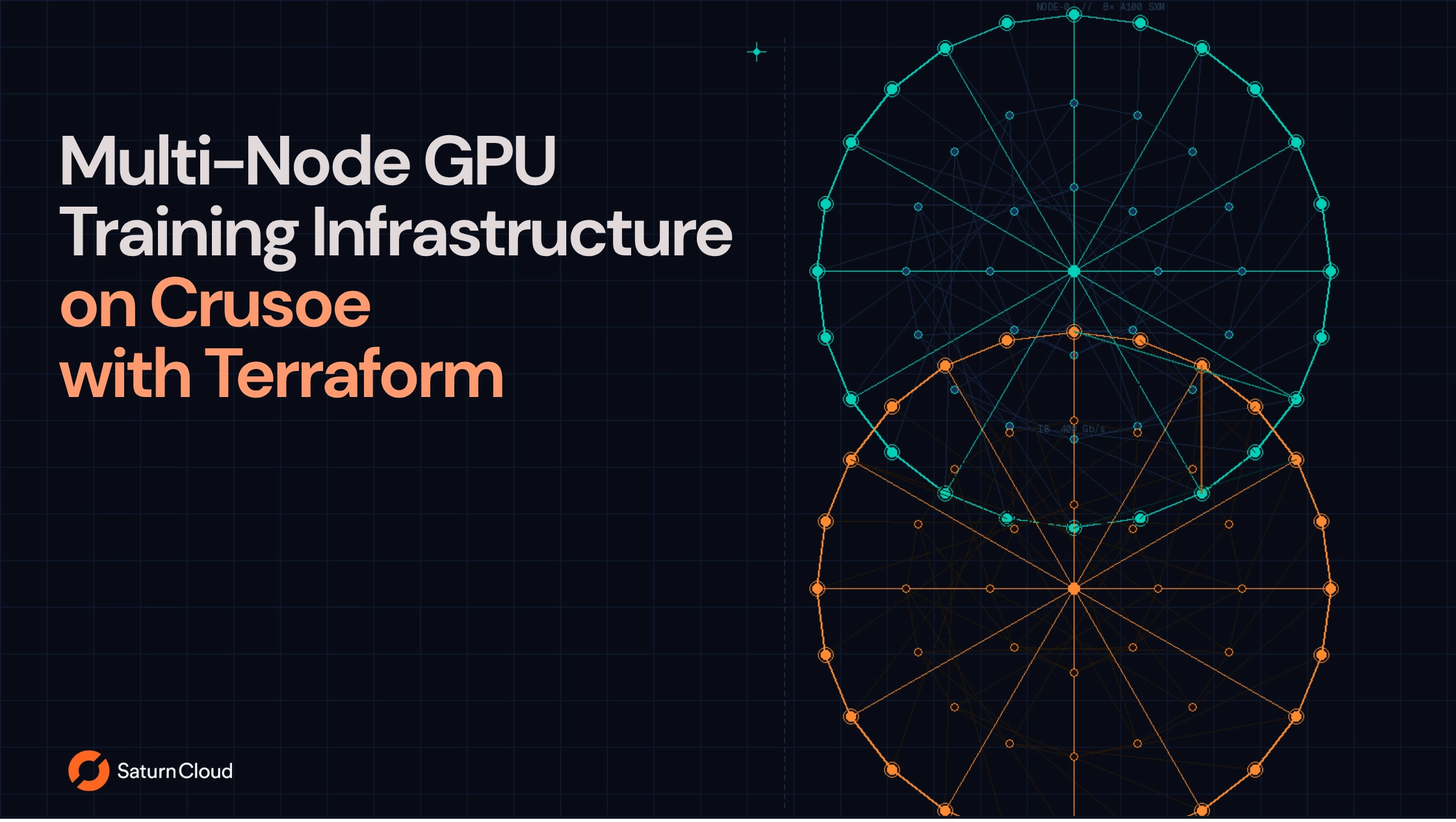
This article walks through provisioning a 2-node GPU training cluster on Crusoe using Terraform. By the end, you’ll have two 8-GPU A100 nodes connected via InfiniBand, ready for distributed training with PyTorch DDP or DeepSpeed.
Why InfiniBand Matters
Multi-node training synchronizes gradients between GPUs every iteration. The interconnect becomes the bottleneck in distributed computing:
| Interconnect | Bandwidth | All-reduce time (1GB) |
|---|---|---|
| 100GbE | 100 Gbps | ~80ms |
| InfiniBand HDR | 200 Gbps | ~40ms |
| InfiniBand NDR | 400 Gbps | ~20ms |
At thousands of iterations, this compounds. InfiniBand also enables RDMA, letting GPUs transfer data directly without CPU involvement. If you’re training on a single node, you don’t need InfiniBand. If you’re scaling beyond one node, you do.
Comparing GPU cloud providers?
Download our GPU Cloud Comparison Report analyzing 17 providers across pricing, InfiniBand networking, storage, and enterprise readiness. Includes detailed Crusoe profile with infrastructure specs and use case recommendations.
Prerequisites
- Crusoe account with API credentials configured in
~/.crusoe/config - Terraform 1.0+
- SSH key pair (examples use
~/.ssh/id_ed25519.pub)
The Terraform Configuration
Here’s the complete configuration for a 2-node A100 cluster. We’ll walk through each piece below.
terraform {
  required_providers {
    crusoe = {
      source = "crusoecloud/crusoe"
    }
  }
}

variable "name_prefix" {
  type    = string
  default = "distributed-training-"
}

variable "ib_vm" {
  type = object({
    slices   = number
    type     = string
    image    = string
    location = string
  })
  default = {
    slices   = 8
    type     = "a100-80gb-sxm-ib.8x"
    image    = "ubuntu22.04-nvidia-sxm-docker:latest"
    location = "us-east1-a"
  }
}

variable "vm_count" {
  type    = number
  default = 2
}

data "crusoe_ib_networks" "available" {}

locals {
  my_ssh_key      = file("~/.ssh/id_ed25519.pub")
  required_slices = var.ib_vm.slices * var.vm_count

  available_ib_networks = [
    for network in data.crusoe_ib_networks.available.ib_networks :
    network if network.location == var.ib_vm.location && anytrue([
      for capacity in network.capacities :
      capacity.quantity >= local.required_slices && capacity.slice_type == var.ib_vm.type
    ])
  ]

  selected_ib_network = length(local.available_ib_networks) > 0 ? local.available_ib_networks[0].id : null
}

resource "crusoe_vpc_network" "training" {
  name = "${var.name_prefix}network"
  cidr = "10.0.0.0/8"
}

resource "crusoe_vpc_subnet" "training" {
  name     = "${var.name_prefix}subnet"
  cidr     = "10.0.0.0/16"
  location = var.ib_vm.location
  network  = crusoe_vpc_network.training.id
}

resource "crusoe_ib_partition" "training" {
  name          = "${var.name_prefix}partition"
  ib_network_id = local.selected_ib_network
}

resource "crusoe_storage_disk" "training_data" {
  count    = var.vm_count
  name     = "${var.name_prefix}data-${count.index}"
  size     = "500GiB"
  location = var.ib_vm.location
}

resource "crusoe_compute_instance" "training_nodes" {
  count    = var.vm_count
  name     = "${var.name_prefix}node-${count.index}"
  type     = var.ib_vm.type
  image    = var.ib_vm.image
  location = var.ib_vm.location

  disks = [
    {
      id              = crusoe_storage_disk.training_data[count.index].id
      attachment_type = "data"
      mode            = "read-write"
    }
  ]

  network_interfaces = [{
    subnet = crusoe_vpc_subnet.training.id
  }]

  host_channel_adapters = [
    {
      ib_partition_id = crusoe_ib_partition.training.id
    }
  ]

  ssh_key = local.my_ssh_key
}

output "training_nodes" {
  value = [
    for i, node in crusoe_compute_instance.training_nodes : {
      name       = node.name
      private_ip = node.network_interfaces[0].private_ipv4.address
    }
  ]
}
How It Works
Capacity checking: The crusoe_ib_networks data source queries available InfiniBand networks. The locals block filters for networks in your target location with enough capacity for your cluster. Each 8-GPU instance consumes 8 slices, so a 2-node cluster needs 16 slices. If capacity is insufficient, terraform plan fails early rather than waiting for the API to reject the request.
InfiniBand partition: The crusoe_ib_partition resource creates a logical grouping for your VMs. All VMs in the same partition can communicate over InfiniBand at 400 Gb/s. Use separate partitions to isolate traffic between different training jobs.
VPC networking: Even with InfiniBand for GPU-to-GPU traffic, VMs need standard networking for SSH, data loading, and checkpoint storage. The VPC and subnet provide this.
GPU instances: The crusoe_compute_instance resources provision your training nodes. The key configuration is host_channel_adapters, which attaches each VM to the InfiniBand partition. The ubuntu22.04-nvidia-sxm-docker image comes with NVIDIA drivers pre-installed.
Storage: Each node gets a 500GB data disk for training data and checkpoints. Adjust the size based on your dataset.
Deploying
terraform init
terraform plan
terraform apply
After a few minutes, Terraform outputs the node IPs:
training_nodes = [
  { name = "distributed-training-node-0", private_ip = "10.0.0.2" },
  { name = "distributed-training-node-1", private_ip = "10.0.0.3" }
]
Running Distributed Training
SSH to your nodes and configure your training framework to use InfiniBand.
PyTorch DDP with NCCL
With torchrun, you run the command on each node separately, changing --node_rank for each one. All nodes must use the same --master_addr.
On node 0 (10.0.0.2):
export NCCL_IB_DISABLE=0
export NCCL_IB_HCA=mlx5
export NCCL_NET_GDR_LEVEL=5

torchrun \
  --nnodes=2 \
  --nproc_per_node=8 \
  --node_rank=0 \
  --master_addr=10.0.0.2 \
  --master_port=29500 \
  train.py
On node 1 (10.0.0.3):
export NCCL_IB_DISABLE=0
export NCCL_IB_HCA=mlx5
export NCCL_NET_GDR_LEVEL=5

torchrun \
  --nnodes=2 \
  --nproc_per_node=8 \
  --node_rank=1 \
  --master_addr=10.0.0.2 \
  --master_port=29500 \
  train.py
The workers wait for all nodes to connect before training starts.
DeepSpeed
With DeepSpeed, you run the command once from any node. DeepSpeed SSHs to the other nodes automatically using a hostfile.
Create hostfile.txt:
10.0.0.2 slots=8
10.0.0.3 slots=8
Ensure passwordless SSH is configured between nodes, then launch from any node:
deepspeed --hostfile hostfile.txt \
  --master_addr=10.0.0.2 \
  --num_gpus=8 \
  train.py --deepspeed ds_config.json
Verifying InfiniBand
Before running training, verify InfiniBand is working:
# Verify interface exists (should show State: Active, Rate: 400 Gb/sec)
ibstat

# Test bandwidth between nodes (expect ~48,000 MB/sec for NDR)
ib_write_bw  # on node 0
ib_write_bw 10.0.0.2  # on node 1

# Verify NCCL uses InfiniBand (look for "Using network IB")
NCCL_DEBUG=INFO python3 -c "import torch.distributed as dist; dist.init_process_group('nccl')"
If NCCL falls back to Ethernet or ibstat returns nothing, see A Field Guide to Crusoe InfiniBand for troubleshooting.
Scaling and Spot Instances
Scaling up: Increase vm_count and re-run terraform apply. New nodes join the same InfiniBand partition automatically.
Scaling down: Decrease vm_count. Terraform destroys the excess nodes. Checkpoint your training state first.
Spot instances: Crusoe spot instances work with InfiniBand and cost 60% less than on-demand. With 7-day interruption notice, checkpoint daily and you’re covered. To use spot pricing, add reservation_id = "" to your instance configuration.
Different GPU types: Change var.ib_vm.type to provision H100s (h100-80gb-sxm-ib.8x) or other GPU types. The capacity check automatically filters for networks supporting your chosen type.
If you'd rather not manage the distributed training infrastructure yourself, Saturn Cloud is an end-to-end code-first AI platform that installs inside your Crusoe account and handles the mechanics out of the box. Chat with our team to learn more.
Resources
- A Field Guide to Crusoe InfiniBand - detailed debugging and capacity planning
- Crusoe Terraform Provider
- PyTorch Distributed Training
- DeepSpeed Getting Started